Espresso Macchiato: Coffee Shop Photo Crochet Pattern
A café espresso macchiato in 8 warm browns and creams. 50x70 stitches, single crochet for cup detail.
The Transformation
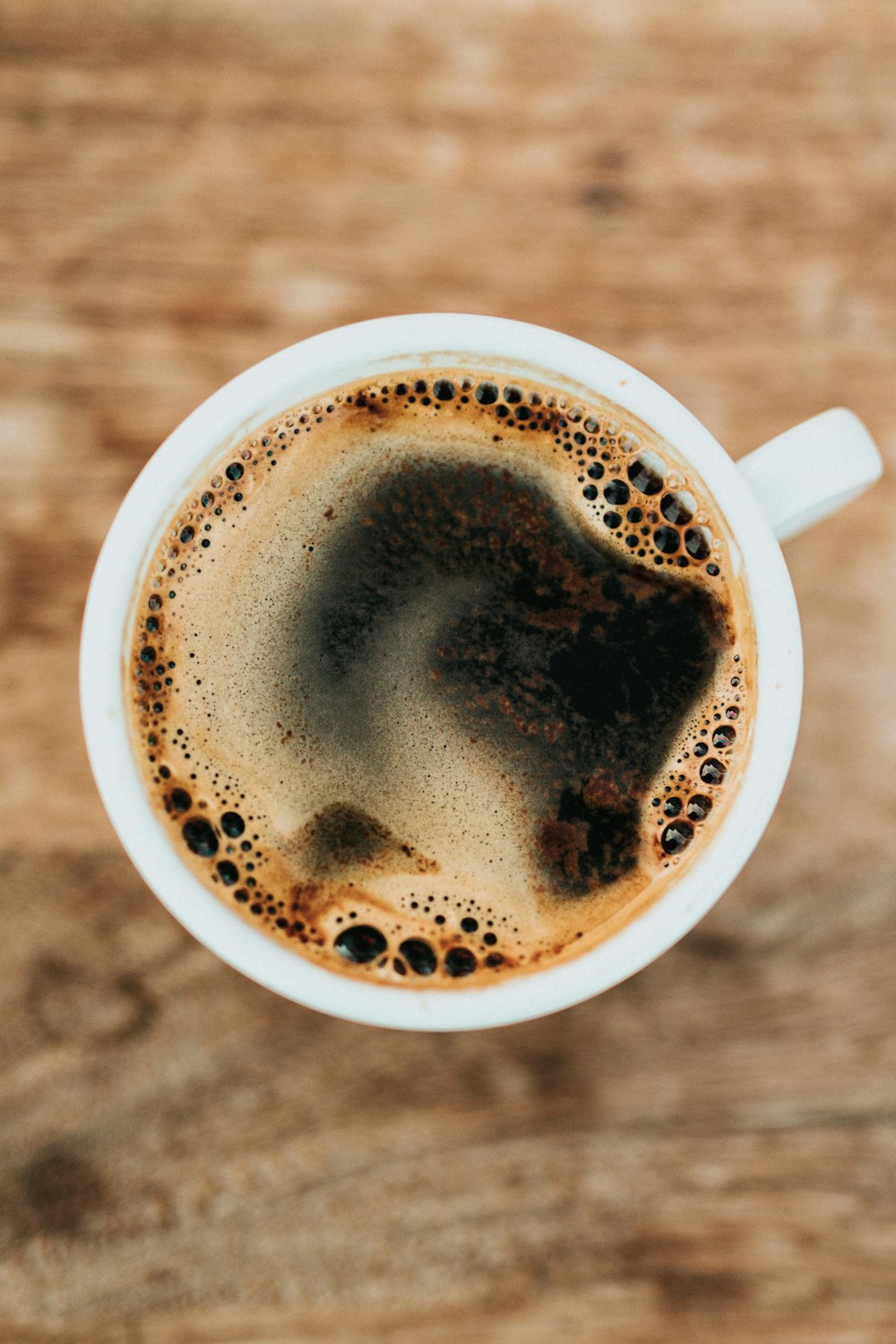
Original Photo
The reference photo you want to turn into a crochet pattern.
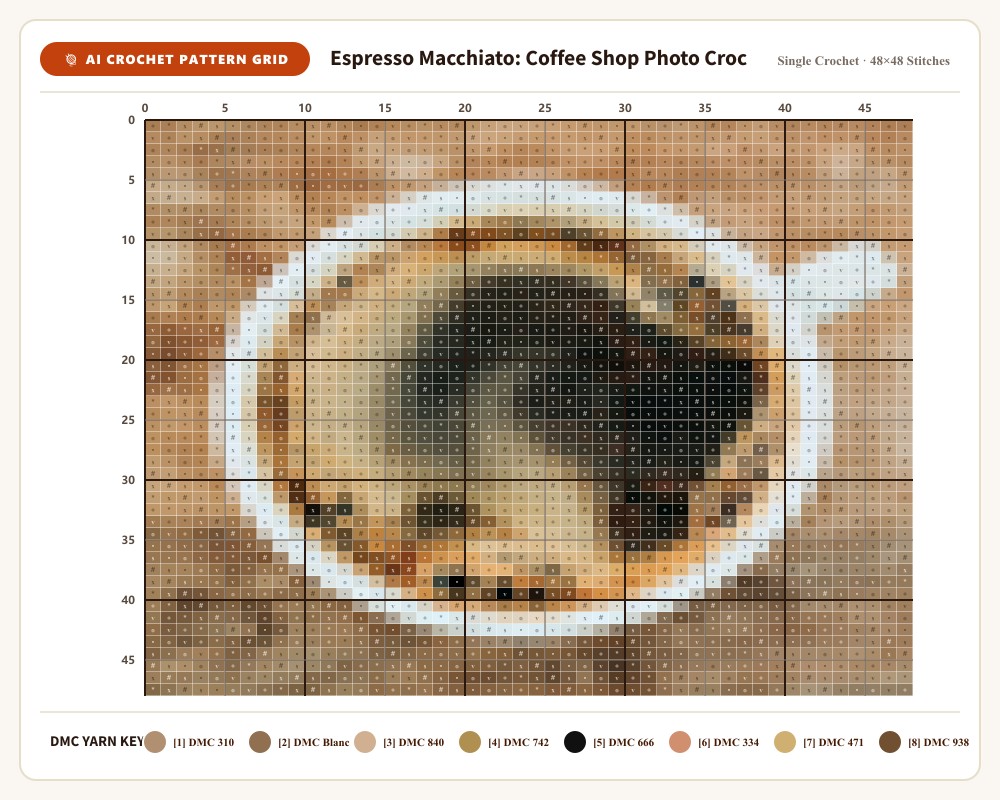
AI-Generated Pattern
50x70 stitches grid with 8 colours, row-by-row instructions.
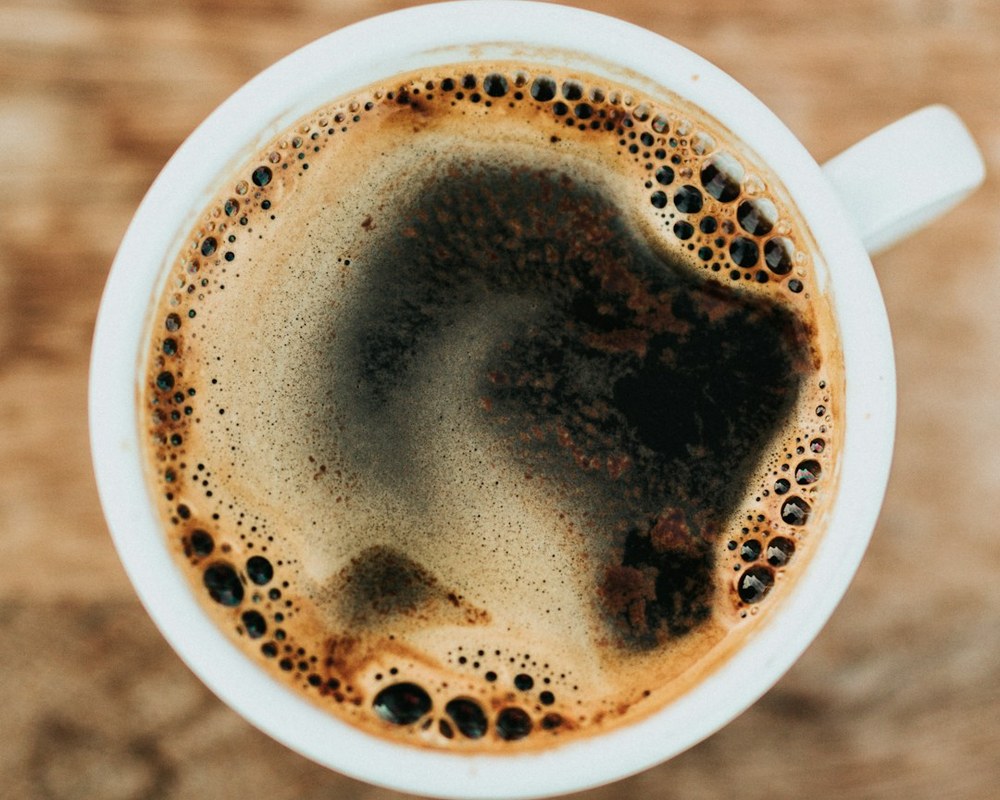
Finished Crochet Piece
The completed handmade piece, crocheted from the AI-generated pattern.
Project Details
Grid Size
50x70 stitches
Colours
8
Technique
Single Crochet
Yarn
Worsted Weight
Subject
Landscape
Published
Jul 6, 2026
How to Create This Pattern
- 1
Upload your photo to Studio
Go to AeternaCraft Studio and upload your landscape photo. JPG, PNG, and WebP files up to 10 MB are accepted.
- 2
Choose your colour palette
Select 8 colours for the pattern. The AI quantises the photo to 8 dominant colours and maps them to real yarn shades.
- 3
Select stitch mode
Choose Single Crochet for the pattern. The AI generates a 50x70 stitches grid with row-by-row instructions.
- 4
Generate and download
Click Generate. Download the pattern as PDF (with instructions and yarn list), PNG (colour grid), and CSV (stitch counts per colour).
- 5
Crochet your piece
Follow the row-by-row instructions to crochet your piece. Use the recommended Worsted Weight for best results.
Frequently Asked Questions
How long does it take to crochet a 50x70 stitches pattern?
For a 50x70 stitches pattern in Single Crochet, expect roughly 20-40 hours for an experienced crocheter, depending on your speed and the complexity of the colour changes. The 8-colour palette means frequent yarn switching, which adds time.
What yarn is best for a landscape crochet pattern?
Worsted Weight yarn works well for photo crochet patterns because it gives good stitch definition without being too bulky. Acrylic or cotton-acrylic blends are recommended for beginners — they are easier to frog (undo) and hold their shape well.
Can I use a different yarn weight than Worsted Weight?
Yes, but the finished size will change. Use our free Amigurumi Yarn & Resizing Calculator to adjust the pattern dimensions for your chosen yarn weight. The stitch count stays the same, but each stitch will be larger or smaller.
Create Your Own Pattern
Upload your photo and get a pixel-perfect crochet pattern in seconds — no signup required. Your first pattern is free.
Turn Your Photo Into a PatternWant to turn your own landscape photo into a pattern? Open the landscape photo-to-crochet guide